
I don't choose tools because they look sleek or boast convoluted features. For me, a great tool is one that simplifies workflow, eliminates friction, and helps me focus completely on understanding without getting bogged down in complexity.
I was never a naturally gifted student with photographic memory. Balancing work and studies, the biggest realization I've had is that without a structured toolset to manage the influx of information, burnout is practically inevitable.
Here are the practical applications I use every single day to study effortlessly while achieving solid results.
graph TD
    classDef step fill:#18181b,stroke:#3f3f46,stroke-width:1.5px,color:#fafafa;

    A["Raw Information Influx: Slides, Textbooks, Research Papers"] --> B["1. NotebookLM: Grounded AI Anchor"]
    B --> C["2. AI Duo: ChatGPT (Unraveling) & Claude (Structuring)"]
    C --> D["3. Notability: Hand-drawing Cornell Notes"]
    D --> E["4. Perplexity: Fact-checking & Verified Citations"]
    E --> F["5. Studocu & YouTube: Real-world Exam Leverage"]

    class A,B,C,D,E,F step;
1. The AI Duo: ChatGPT to Untangle, Claude to Structure
These two tools serve two completely distinct cognitive functions throughout my day.
ChatGPT acts like an infinitely patient study partner. Whenever I hit an abstract, dense concept, I prompt it to break it down using real-world analogies. It is exceptionally good at conversational back-and-forth until a concept clicks.
Conversely, Claude is my workbench for writing and synthesizing reports. Its writing style is natural, nuanced, and structurally disciplined, making it ideal for organizing messy bullet points into cohesive, rigorous frameworks.
2. NotebookLM: The Grounded AI Anchor Against Hallucinations
NotebookLM fundamentally transformed how I digest thick PDFs and dozens of lecture slides each week. Because it sources its answers strictly from uploaded documents, hallucination risk is virtually zero.
I typically use this tool in three steps:
- Scan the skeleton before lectures: Upload all lecture slides or reading chapters to grasp the overarching structure beforehand.
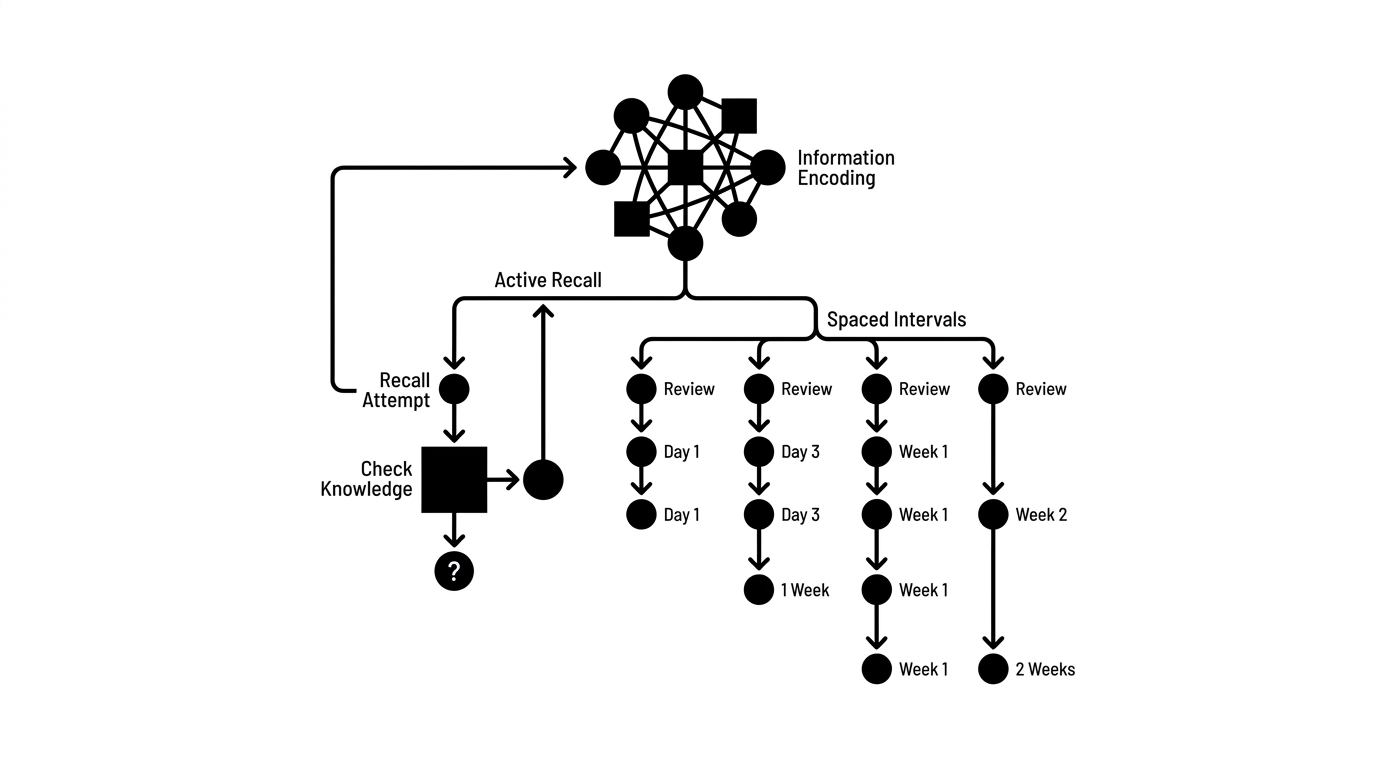
- Formulate post-class questions: Use the uploaded material to generate self-assessment quizzes for active retrieval.
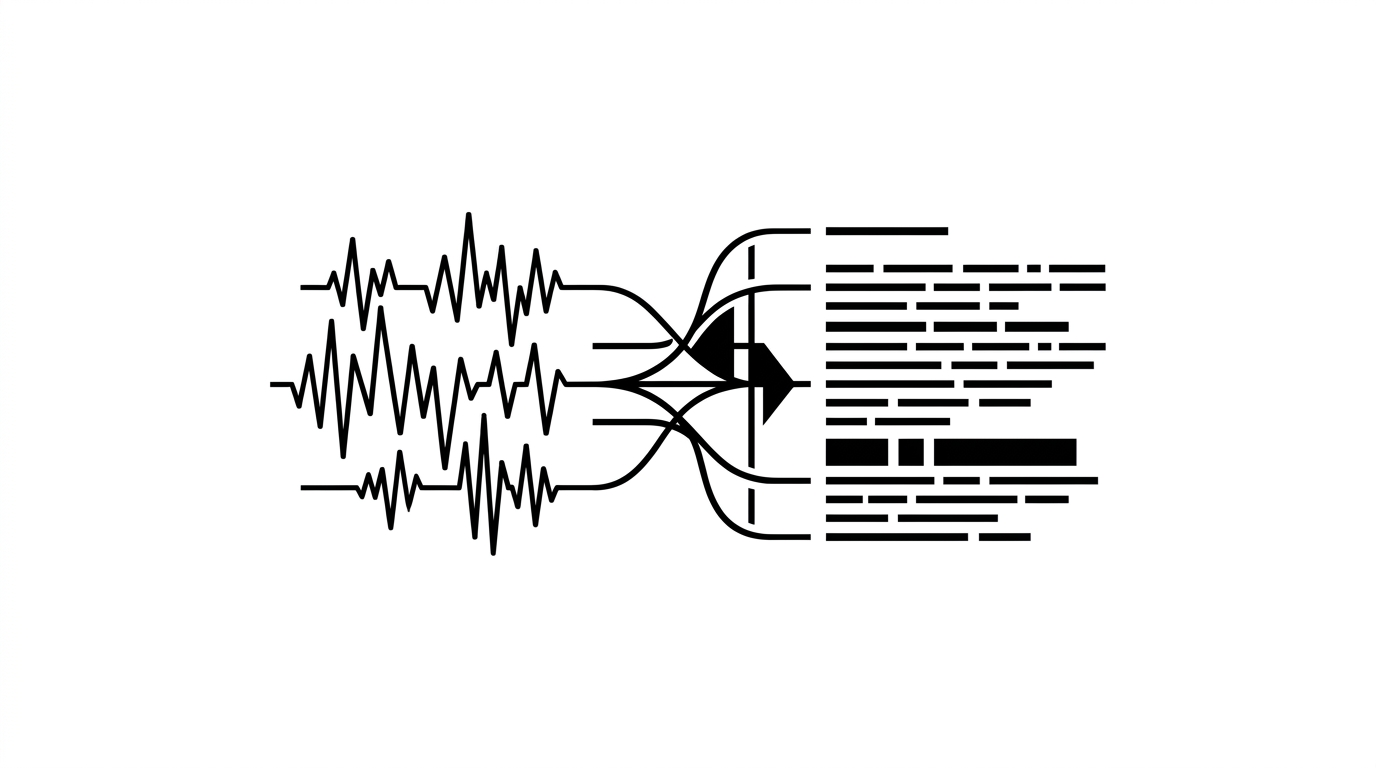
- Listen to audio overviews: The two-host AI podcast overview feature helps me absorb concepts effortlessly during walks or when taking a screen break.
3. Perplexity: Fact-Checking with Sourced Citations
When sourcing data for presentations or verifying case study contexts, I rely on Perplexity. Unlike traditional search engines with pages of sponsored links, Perplexity delivers direct answers with transparent inline citations.
4. Notability: Handwriting for Deep Cognitive Processing
Typing on a laptop is fast, but typing too fast often turns the brain into a mindless transcription machine. Handwriting forces your mind to slow down, filter, and digest information.
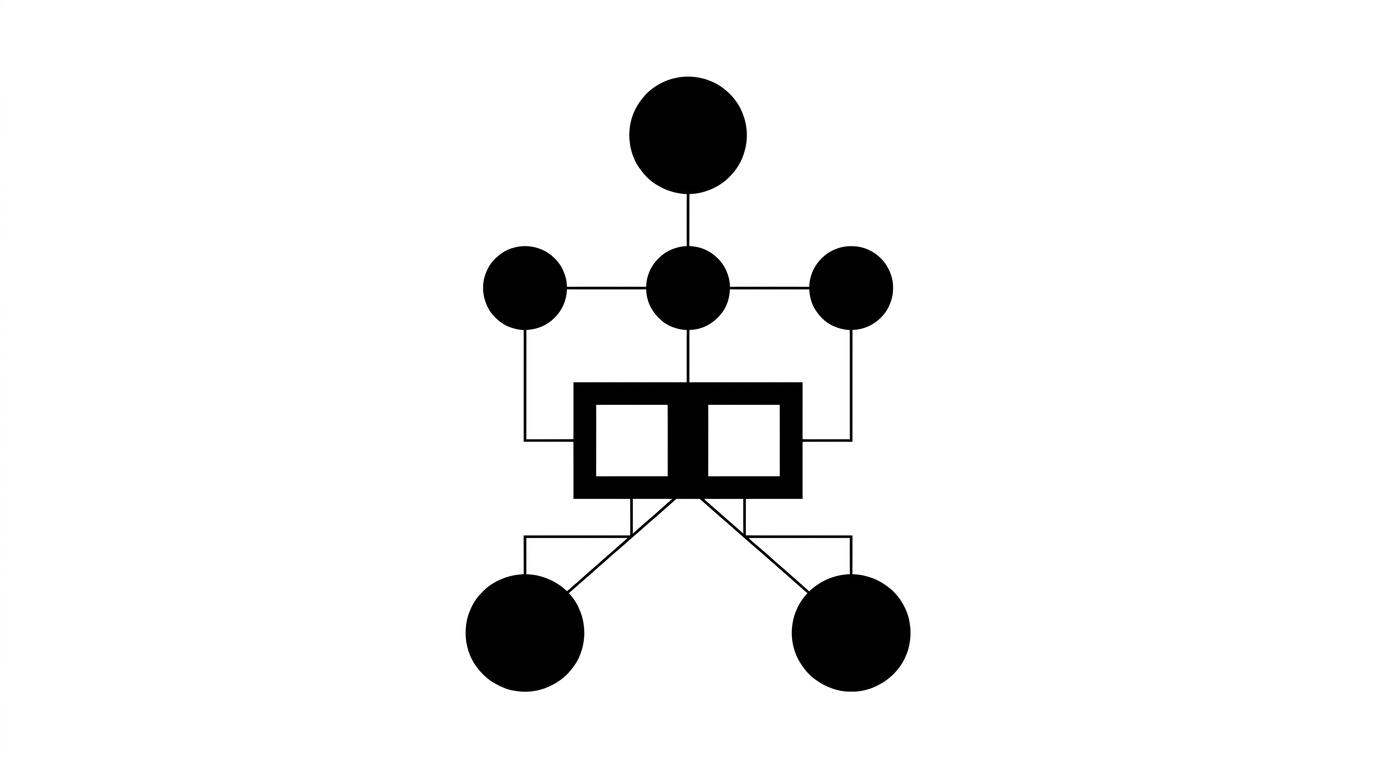
I structure my Notability pages using Professor Walter Pauk's classic Cornell Note-Taking System:
- Main Right Column: Quickly jotting down core concepts and arguments during lectures.
- Left Cue Column: Writing down keywords, triggers, and self-testing questions immediately following class.
- Bottom Summary: Condensing the entire page into one or two sharp summary sentences.
When preparing for exams, I simply cover the right column and use the left column prompts to test recall actively. That is how active retrieval works in practice.
5. Studocu & YouTube: Practical Leverage for Exam Season
Studocu offers a treasure trove of past student notes and exam archives. Before exams, I search for past papers from previous cohorts to familiarize myself with the actual grading standards and question styles.
With YouTube, I use it strictly for visual explanations. Complex mechanical processes, algorithms, and economic cycles become instantly clear when animated visually.
No matter how sophisticated a tool is, it remains merely an instrument. Without personal discipline and a clear study strategy, software alone won't change your outcomes.
In upcoming articles, I will dive deeper into daily habits and managing personal energy during demanding academic seasons.
References
- Mueller, P. A., & Oppenheimer, D. M. (2014). The Pen Is Mightier Than the Keyboard: Advantages of Longhand Over Laptop Note Taking. Psychological Science, 25(6), 1159-1168.
- Pauk, W. (1962). How to Study in College. Houghton Mifflin. (The Cornell Note-Taking System).
- Roediger, H. L., & Karpicke, J. D. (2006). The Power of Testing Memory: Basic Research and Implications for Educational Practice. Perspectives on Psychological Science, 1(3), 181-210.
- Mayer, R. E. (2001, 2009). Multimedia Learning. Cambridge University Press. (The Multimedia Principle).
- Google Labs (2023-2024). NotebookLM: Grounded AI Research & Note-Taking Assistant. Google AI Documentation.