
Writer's block rarely stems from a lack of ideas. It happens because manual typing cannot keep up with the speed of thought. By switching from keyboard typing to voice dictation using the free tool Willow Voice, I eliminated the friction of the blank page: speak your mind first, edit later.
For years, my default habit for any writing task was manual typing. Whether drafting emails, capturing quick thoughts, or writing essays, my fingers struggled to match the pace of my thoughts. I constantly hesitated, typed half a sentence, backspaced, and lost my train of thought.
I tried Apple's built-in macOS dictation. It worked decently for basic English, but it stumbled heavily on multilingual speech and frequently misinterpreted words.
Everything changed when I discovered Willow Voice.
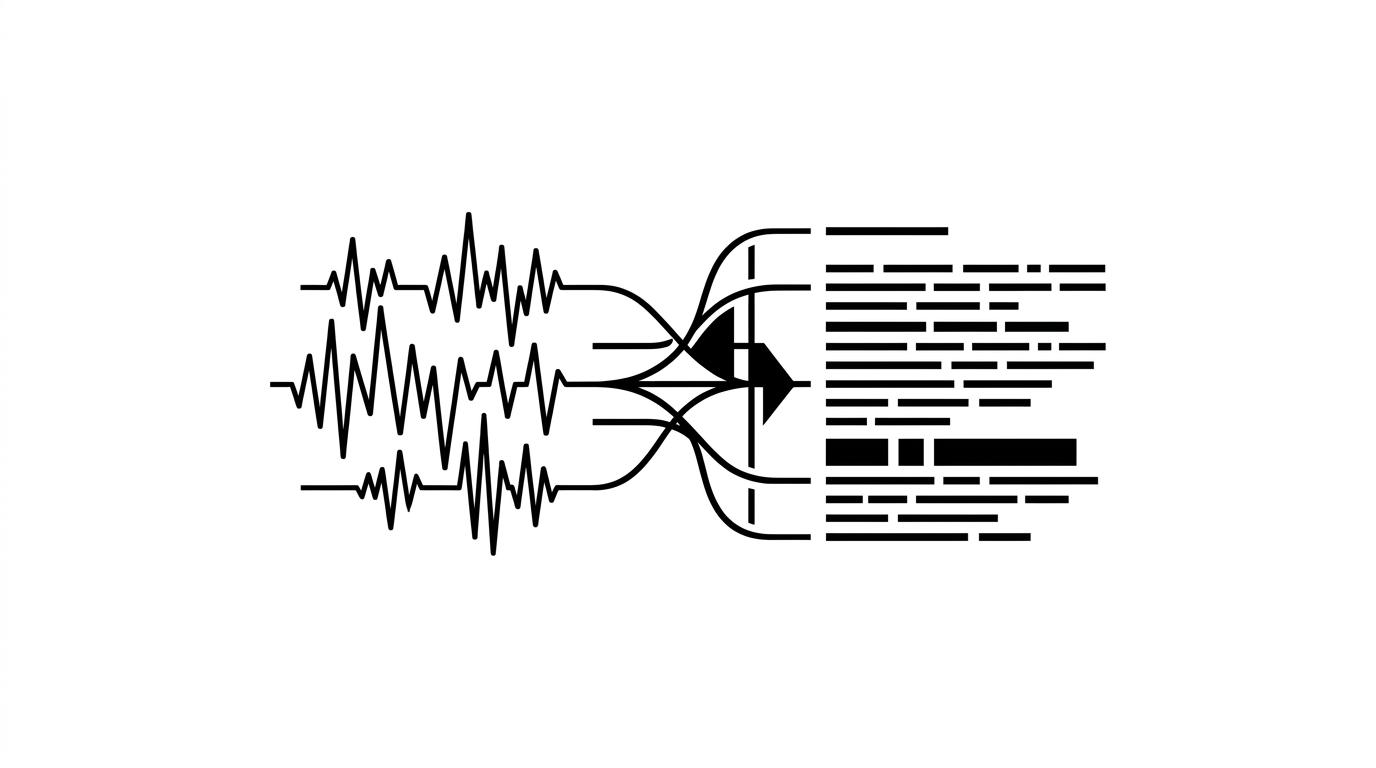
What sets Willow Voice apart is its remarkable accuracy across multiple languages, including Vietnamese. It automatically handles sentence breaks, capitalization, and punctuation while filtering out filler words. Most importantly, its core voice dictation is completely free to use.
I mapped my trigger shortcut to the Fn key on my Mac. Today, whenever a task requires writing, I no longer type. I simply tap Fn, speak my thoughts aloud, and watch clean sentences appear instantly on screen.
Speaking is three to four times faster than typing. By removing the physical barrier of the keyboard, writing feels as effortless as talking to a friend.
If you often feel slowed down by typing or struggle to get your thoughts onto paper, give Willow Voice a try. It is free and might completely transform your daily workflow.
References
- Willow Voice - AI Voice Dictation (Available on macOS, Windows, iPhone).