
A foundation model is mostly a word predictor. To make it do actual work, you do not need to be an engineer. You just need to understand the simple scaffolding wrapped around it.
Whenever a new model comes out, people argue about benchmark scores. But when you sit down to use it for actual work, you notice a simple pattern: the model writes fluent text, but it cannot complete multi-step work on its own.
A foundation model is just a token predictor. Given input text, it calculates the most likely next words. It has no memory of yesterday, cannot run software on its own, and cannot touch real files.
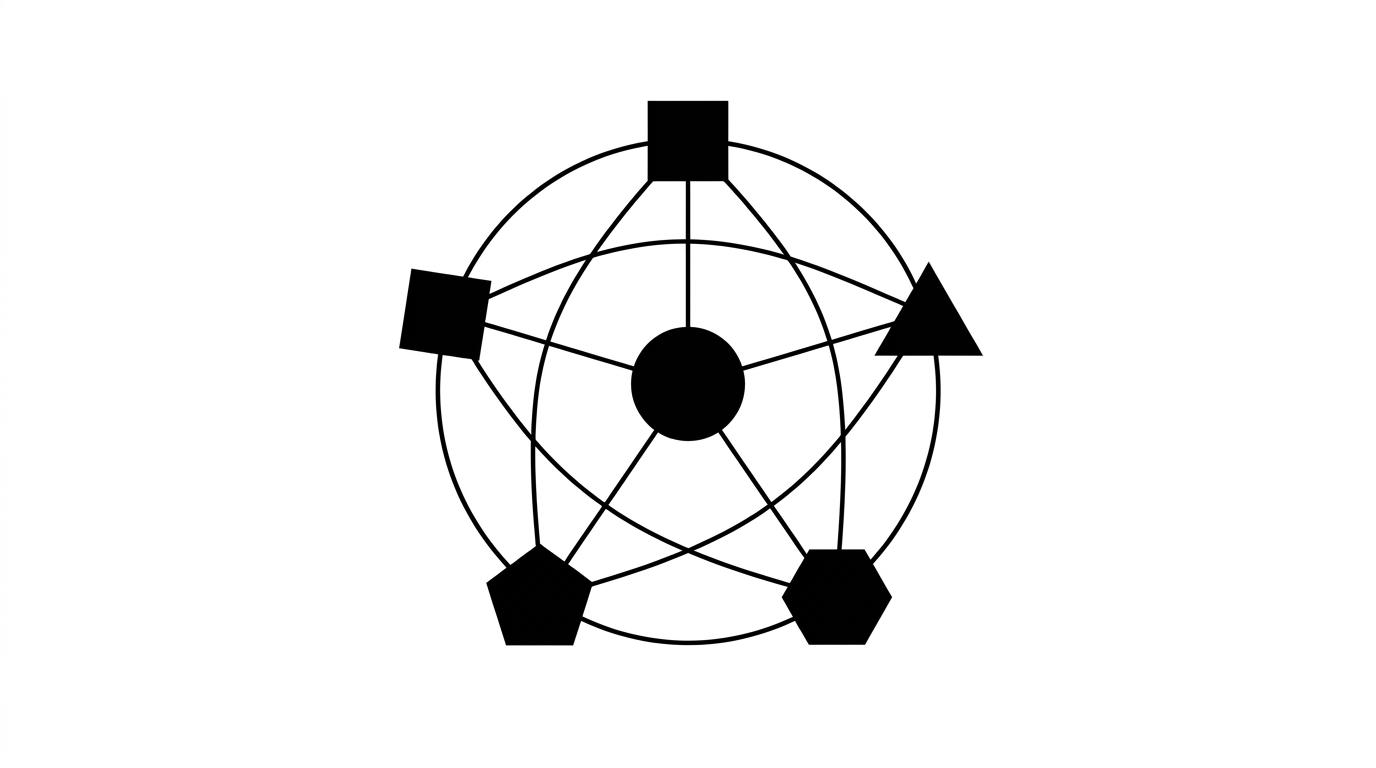
The Harness is the software wrapper around the model. It provides the tools, memory, safety rails, and execution loop so the model can actually finish real tasks.
Here are the core concepts worth knowing:
1. Skills: A set of instructions to reuse a determined flow
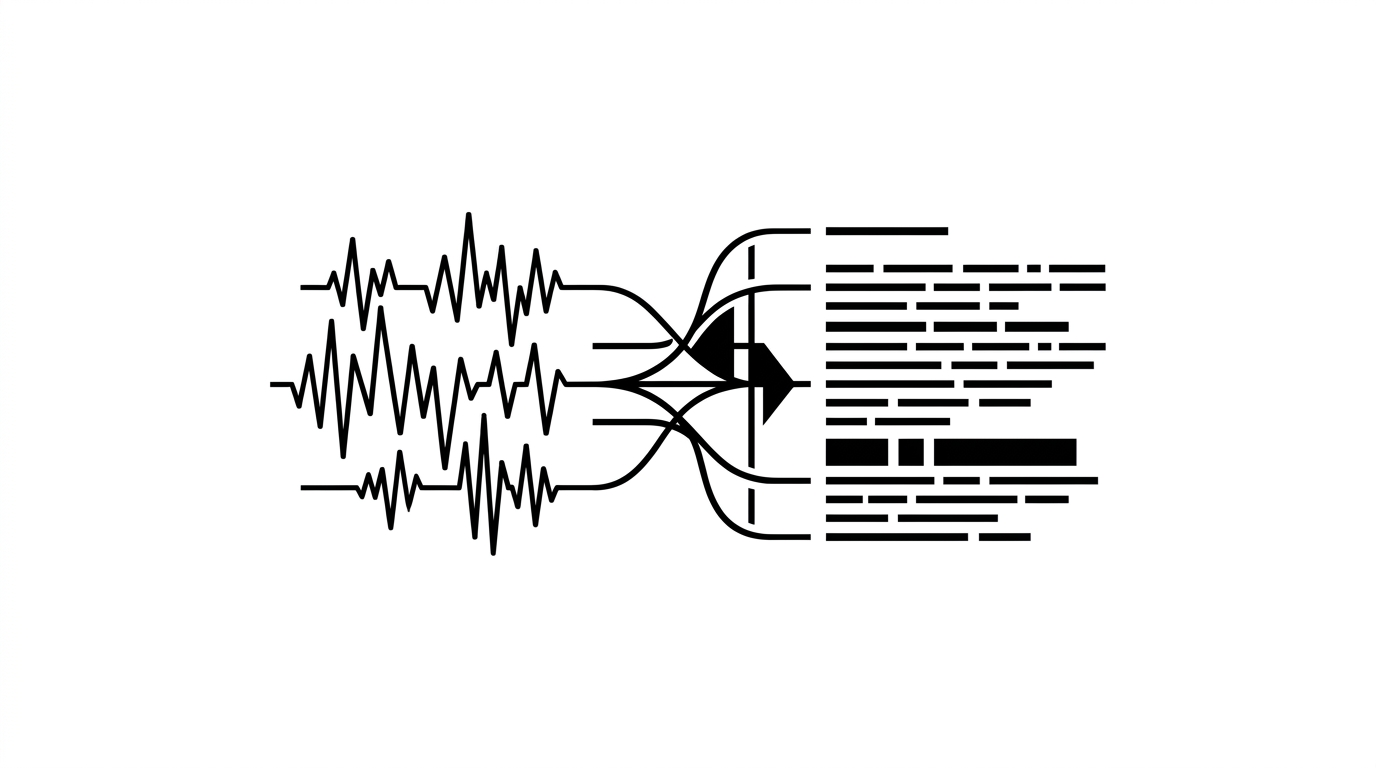
Instead of explaining your 10-step process every time you write an essay, review financial data, or audit code, you save that workflow once as a skill. For example, my blog-craft skill automatically injects my writing tone, word limits, and anti-AI checks the moment I start drafting. The AI loads and follows that exact sequence automatically.
2. Tools (MCP): Giving the model hands
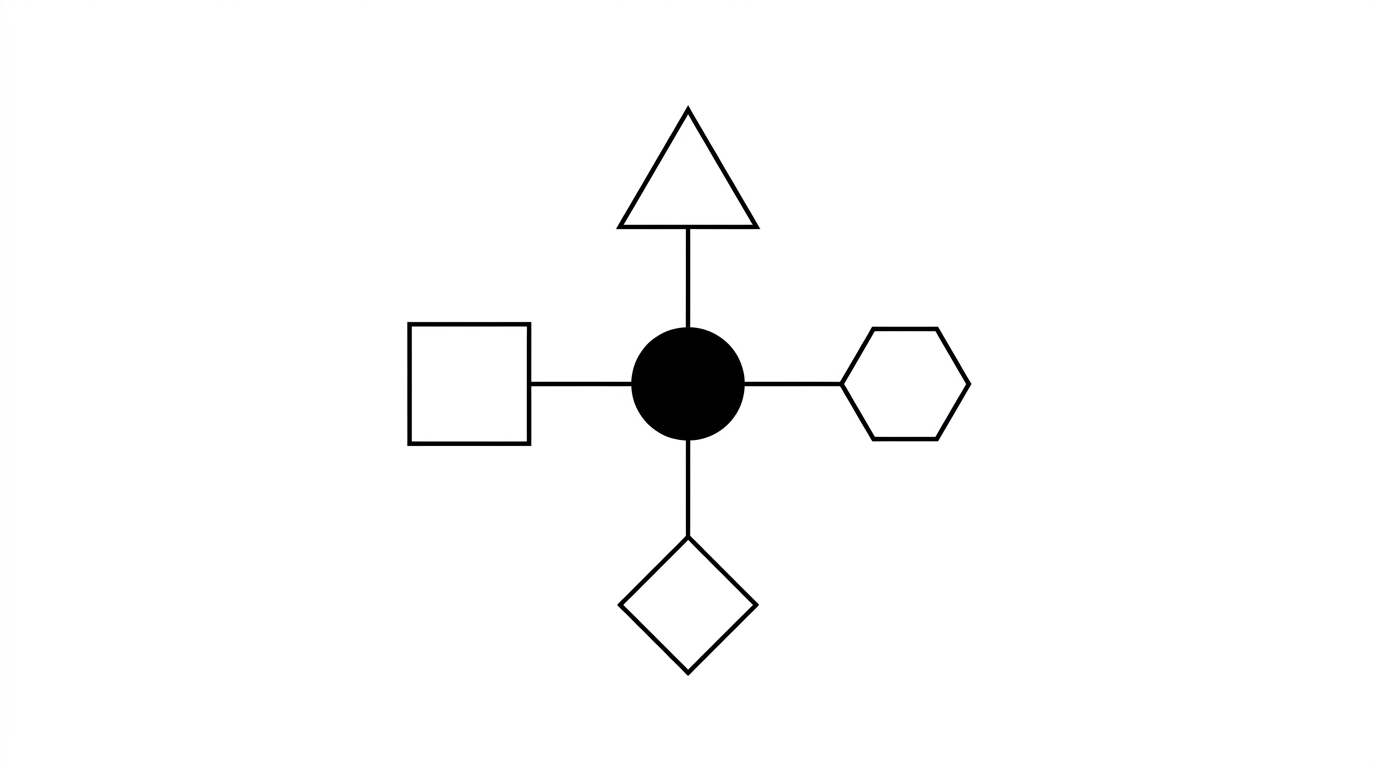
A model only produces text in a box. A tool is the code that connects the model to external software. Using the Model Context Protocol (MCP), I connected my AI directly to my Notion database. The model writes the text, and the Notion tool actually calls the API to create the page, format the blocks, and assign tags in one step. Zero copy-pasting.
3. Hooks: Hard code guards that never hallucinate
If you tell an AI in text "Please do not delete important files", the model can still misunderstand and run a bad command. A hook is real code that runs before or after an action. For example, if a command tries to delete files outside my temporary scratch folder, the hook blocks it immediately. Prompts drift; code never hallucinates.
4. Context Management: Keeping the active desk clean
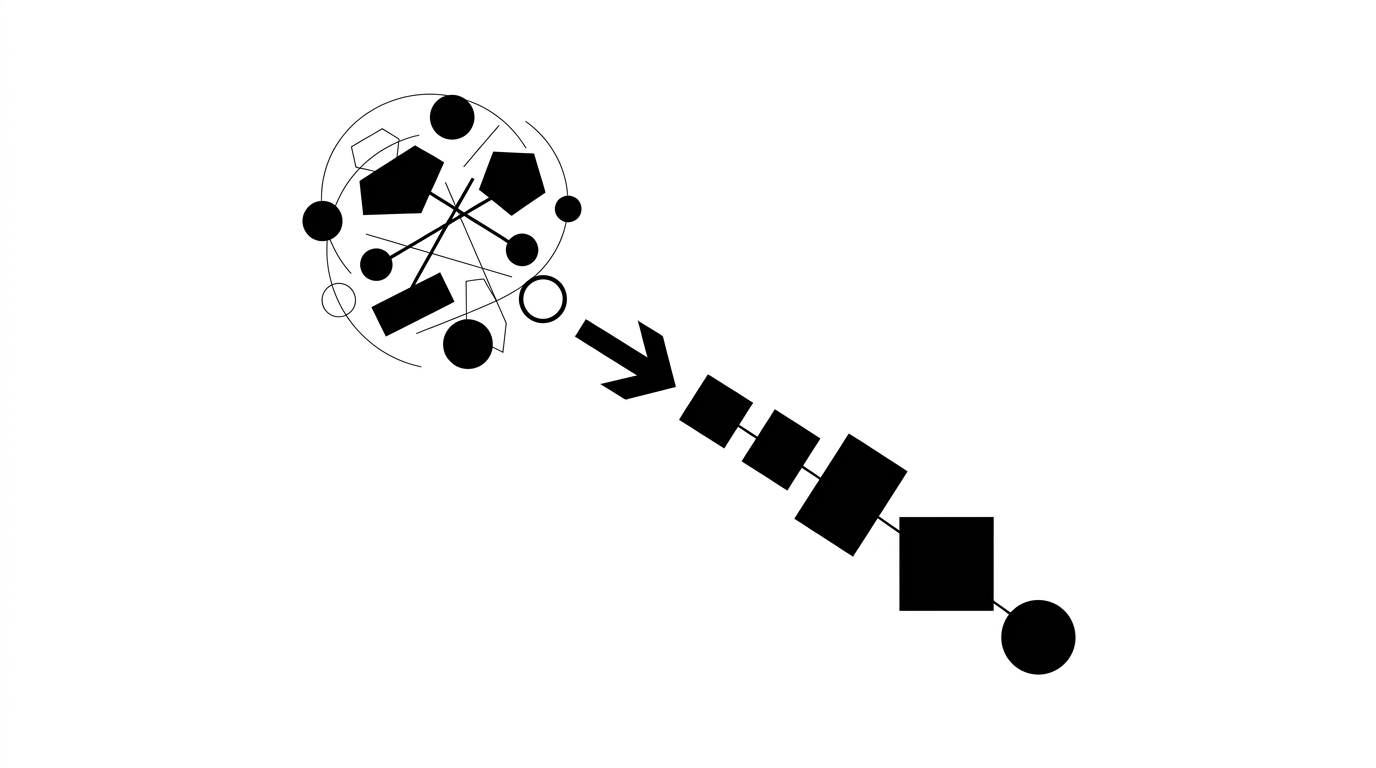
Context is the active reading window of the model. If you keep chatting in the same window for weeks, fifty pages of old messages pile up. The AI slows down, costs more, and starts forgetting instructions. Good context management trims old message history and feeds only the active task data into the window.
5. The Execution Loop: Doing the work, testing it, and self-correcting
Standard chatbots guess an answer in a single breath. If a formula or code snippet has a bug, it breaks and you have to debug it yourself. An execution loop forces the AI to run the action, check the real output, fix any errors, and verify the result before declaring the task done.
You do not need to wait for a smarter model to fix your daily workflow. Understanding how skills, tools, and hooks work together helps you build simple setups that actually get work done.
References & Further Reading
- Anthropic. (2024). Building Effective Agents. Anthropic Research.
- Anthropic. (2025). Claude Code Architecture and Hooks Reference. Anthropic Documentation.
- Model Context Protocol. (2025). MCP Specification and Architecture. Anthropic Documentation.
- Yao, S., et al. (2022). ReAct: Synergizing Reasoning and Acting in Language Models. Princeton University & Google Research.