
Most people abandon their personal blogs not because they run out of ideas, but because the manual chore of publishing is exhausting. By setting up a simple automated conveyor belt with AI, you can turn your daily curiosities into clean, published articles without spending hours on formatting, image design, or website dashboards.
Most people who want to share their thoughts online run into the same barrier. Sitting down in front of a blank screen to write a polished essay feels like a chore. Worse, once you finish drafting, you still have to format paragraphs, resize cover photos, and fiddle with website settings.
I have never enjoyed that manual routine. But I love asking questions, digging into new ideas, and researching topics every day with AI. At some point, I realized something simple: I do not need to force myself to become a traditional writer. I just need a reliable pipeline that turns my daily curiosity into finished articles automatically.
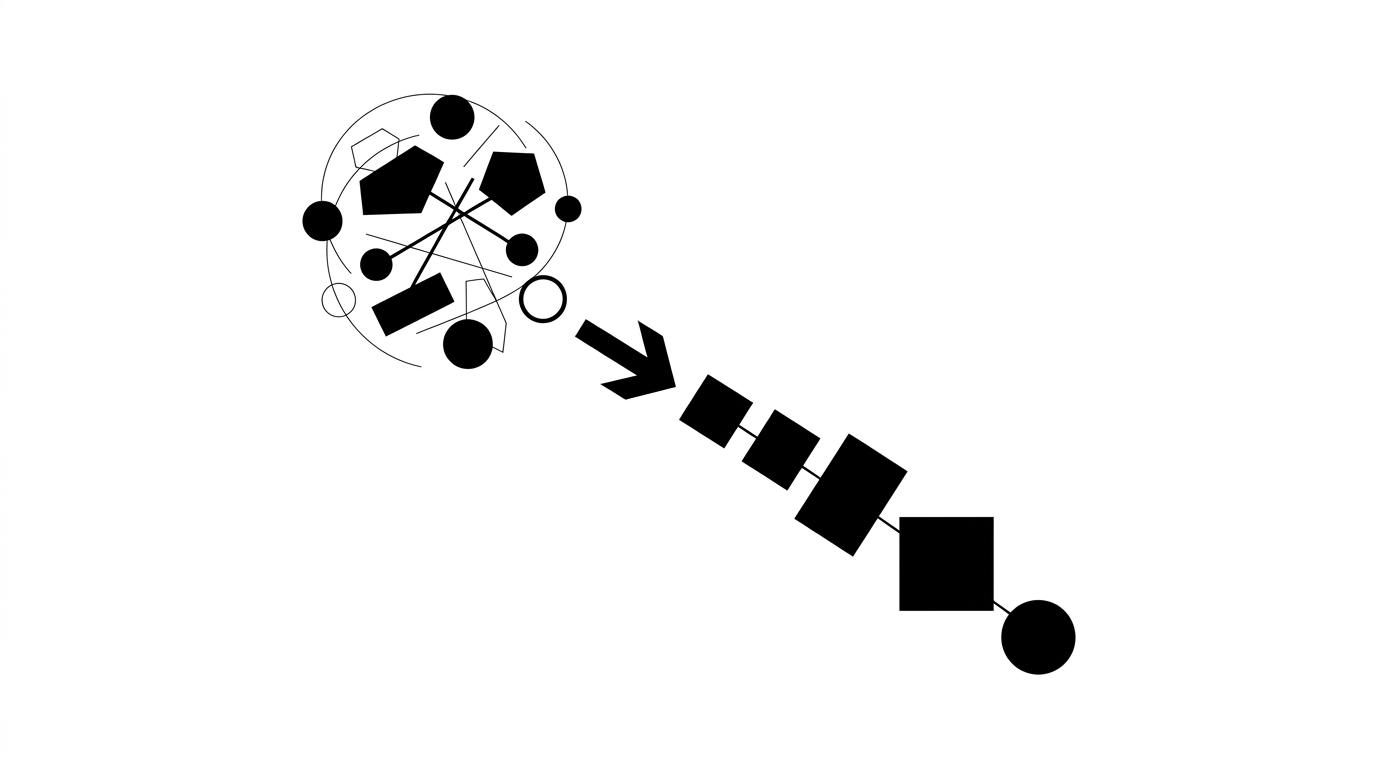
The entire process works like an assembly line with four clear quality gates:
   [ Raw Curiosity & Daily Notes ]
  (Exploring questions, reading docs)
                  │
                  ▼
     [ 4 Automated Quality Gates ]
├── Gate 1: Idea & Fact Check (Is this accurate?)
├── Gate 2: Human Voice Check (Does it sound natural?)
├── Gate 3: Cover Image Check (Gemini generates visuals)
└── Gate 4: One-Click Publish (Ships directly to the web)
                  │
                  ▼
    [ Public Website & Blog Feed ]
Gate 1: The Idea and Fact Check (Input Insight)
Every post begins with a simple question or a messy note. Before anything moves forward, AI audits the core idea: Are the facts and dates accurate? Does this actually solve a real problem, or is it just empty fluff? Grounding the note in reality first keeps the signal high.
Gate 2: The Human Voice Check (Language & Tone)
Most AI-assisted writing sounds robotic, bloated, and corporate. This gate runs through the draft to clean up the language:
- Cuts out stiff punctuation (like long dashes).
- Removes corporate buzzwords and passive sentences.
- Makes sure the text sounds like a real person talking directly to a friend.
Gate 3: The Cover Image Check (Gemini Generates Image)
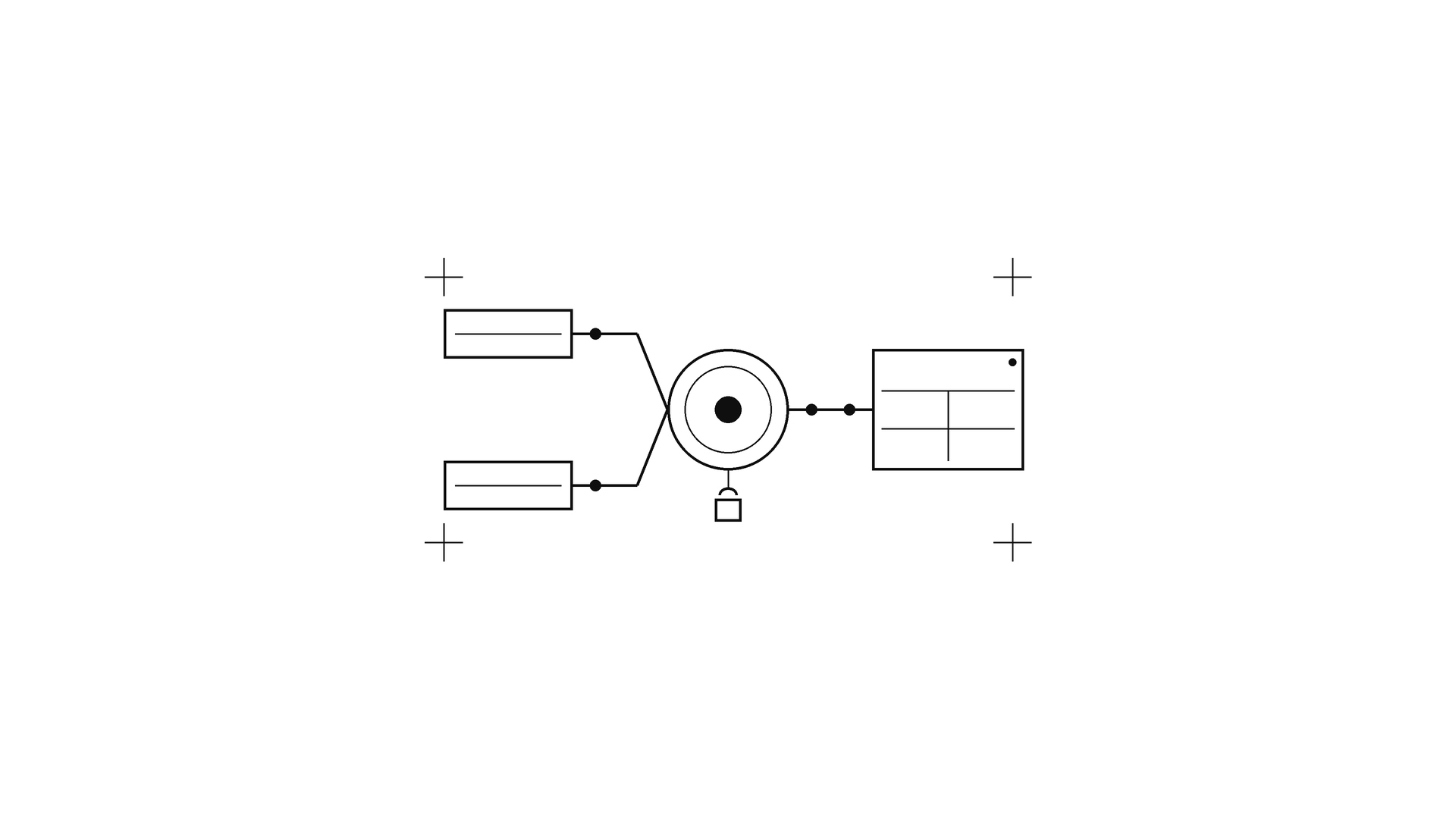
Creating banners usually means opening design apps and wasting thirty minutes tweaking layouts. In this pipeline, Gemini reads the core theme, writes a visual prompt, and generates a clean, minimal graphic on a pure white background (#ffffff).
Gate 4: The One-Click Publishing Check (Direct to Web)
Instead of copying and pasting text into a website editor, a single command sends the clean draft into Notion. From there, the website updates automatically in seconds.
When you take away the friction of formatting and publishing, sharing ideas becomes effortless. You do not need to be a software engineer or a full-time writer. You just need to follow your curiosity and let a simple system do the heavy lifting.
References & Further Reading
- Notion Developers. (2026). Markdown Endpoints for Pages API. Notion API Reference.
- Andrej Karpathy. (2025). The LLM Wiki Architecture: Compiling Raw Notes into Structured Markdown Knowledge Bases.
- Google DeepMind. (2026). Imagen 3: High-Fidelity Text-to-Image Generation.